


Odoo Implementation Built Around Your Business
Grox helps growing companies implement Odoo ERP with clear scope, clean processes, smart customization, smooth migration, and reliable post-go-live support.
- We focus on results
- Accelerated value with greater confidence
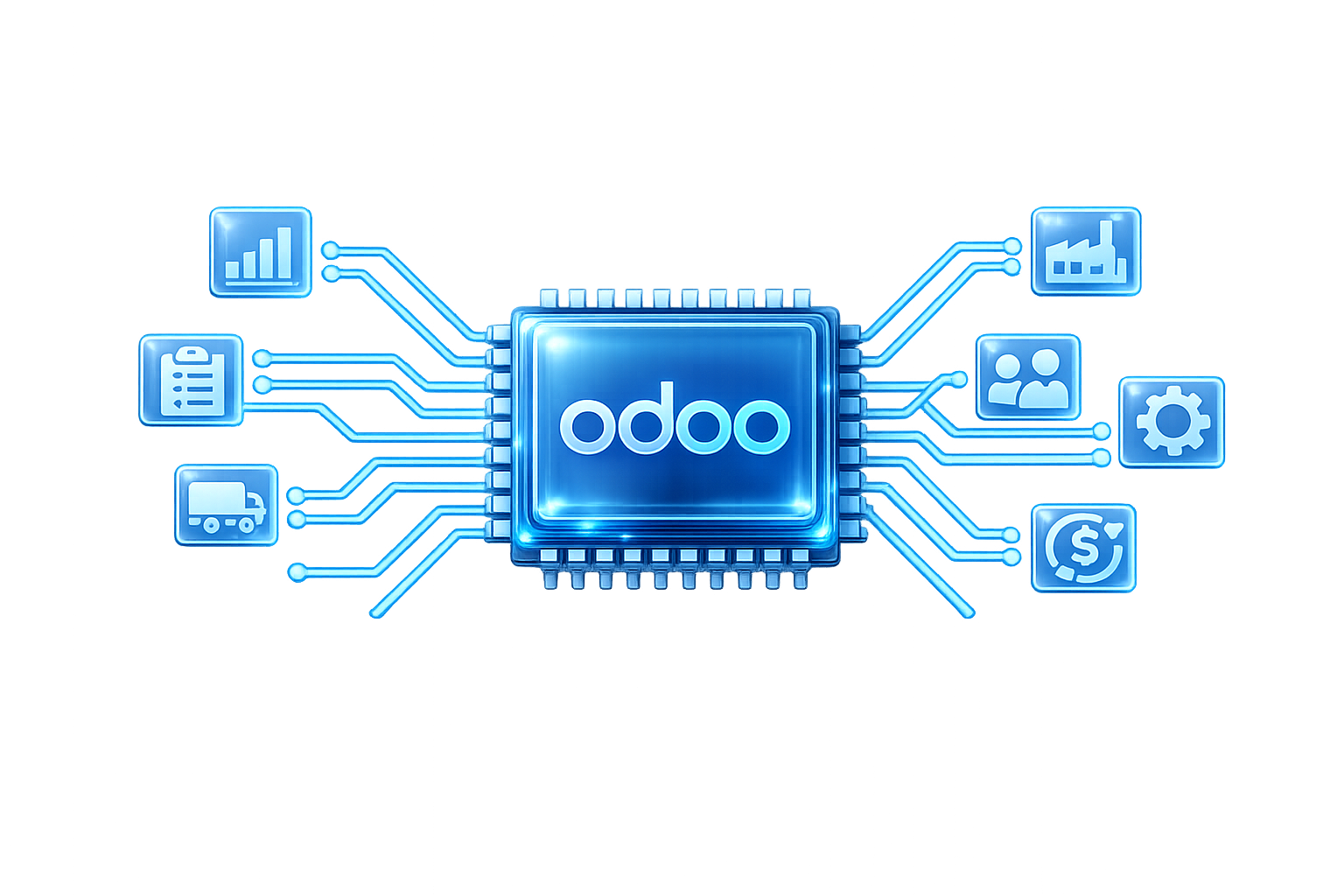
Our Solutions


Odoo is flexible — but without the right implementation, flexibility becomes confusion.
Many companies choose Odoo because it is powerful, modular, and cost-effective. But implementation can become messy when workflows are unclear, apps are selected randomly, data is not prepared, or customization happens without business logic.
Pain Points:
- Too many apps with no clear structure
- Poor accounting or inventory setup
- Manual work still happening outside the system
- Weak user adoption
- Unclean migrated data
- Customization that becomes hard to maintain
- No clear go-live plan
Grox turns Odoo into a practical operating system for your business.
We don’t just install Odoo apps. We understand how your business works, design the right workflows, configure the right modules, migrate the right data, and support your team until Odoo becomes part of daily operations.
Success Rate
Customer Satisfaction
Goal Achieved
What Grox Delivers
1.Odoo Readiness Assessment
We review your current systems, departments, workflows, pain points, and business goals before implementation starts.
2. Module Selection & Scope
We help you choose the right Odoo apps for your business instead of overloading the system from day one.
3. Business Process Mapping
We map sales, accounting, inventory, procurement, operations, projects, HR, and reporting workflows.
4. Odoo Configuration
We configure Odoo modules based on your business requirements, approval cycles, user roles, and reporting needs.
5. Customization & Integration
We support custom workflows, dashboards, third-party integrations, and automation where needed.
6. Data Migration
We prepare, clean, and migrate your customers, products, vendors, accounts, inventory, and historical data.
7. Training & User Adoption
We train your users by department so the team knows exactly how to use Odoo in real business scenarios.
8. Go-Live & Support
We support launch, issue resolution, stabilization, and continuous improvement after go-live.
Odoo implementation with business clarity and delivery control.
Business-Aligned Setup
We configure Odoo around your real operations, required modules, and team capacity — not around generic system screens.
Business-First
Right-Sized Implementation
Adoption & Stability
We train each team on its daily work and stay involved after launch to stabilize operations and improve system adoption.
Training That Fits Teams
Post-Go-Live Support
One ERP platform for the way your company actually works.
Accounting & Finance
Set up invoicing, payments, expenses, accounting workflows, cost tracking, and financial reporting.
Inventory & Warehouse
Control stock, warehouses, product movements, reordering rules, barcodes, and delivery operations.
Human Resource Management
Supports workforce management, payroll, and organizational structure with systems designed to align people operations with business strategy.
Sales & CRM
Manage leads, opportunities, quotations, sales orders, activities, and customer follow-ups.
Purchase & Vendors
Manage purchase requests, RFQs, vendor bills, approvals, and procurement cycles.
Manufacturing & Operations
Support production planning, bills of materials, work orders, quality, and operational visibility.
Projects & Services
Track tasks, timesheets, milestones, billing, delivery, and team performance.
Frequently Asked Questions
Does Grox implement Odoo
Yes. Grox supports Odoo implementation, configuration, customization, integration, migration, training, go-live, and support.
Is Odoo suitable for small and medium businesses
Yes. Odoo is often a strong fit for growing companies because it is modular and can start with core functions, then expand over time.
Can Grox customize Odoo
Yes. Grox can support custom workflows, reports, dashboards, integrations, approvals, and automations when needed.
Can Grox migrate data from Excel or another ERP
Yes. Grox can help prepare, clean, structure, and migrate data from Excel, legacy systems, or another ERP.
Can Grox rescue a failed Odoo project
Yes. Grox can audit the current setup, identify gaps, fix workflows, improve configuration, and create a recovery plan.
Ready to make Odoo work for your business?
Book a consultation with Grox and get a clear Odoo implementation roadmap built around your operations, team, and growth plans.